
Adobe MAX 2026 took place in Miami Beach from November 10. The main message was clear: Adobe wants its apps to work like a team of assistants that you direct, not just a set of tools you click through. We went through the official announcements and sorted them by what you can use today, what is in beta and what is only a preview.
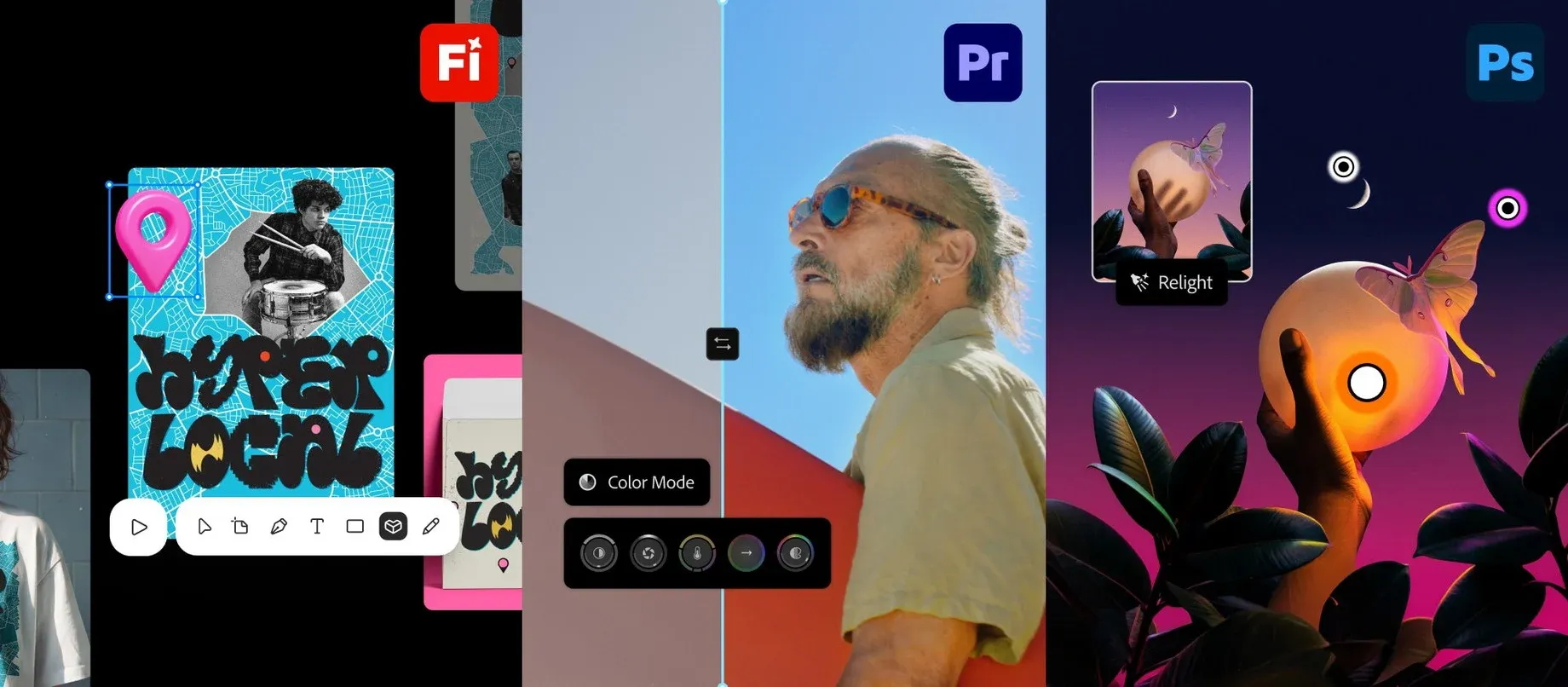
Firefly, Premiere and Photoshop at Adobe MAX 2026. Photo: Adobe
The short version
- Creative Agent runs multi-step tasks across Creative Cloud. AI Assistants are in beta in the desktop apps.
- Photoshop gets Relight, Generative Restyle with sliders and a smarter Remove tool.
- Firefly Design (beta) puts illustration, image editing, animation, 3D and print on one canvas.
- Firefly Builder (private beta) turns a written idea into an interactive prototype of a website or app.
- Local MCP integrations will let outside AI agents, such as Claude or ChatGPT, edit native Photoshop, Illustrator, Premiere and After Effects files. Private beta in early 2027.
Creative Agent: assistants inside the apps
The biggest change is Adobe Creative Agent. You describe what you want and the agent plans the steps and runs them across the apps. In Firefly it adds a Plan Mode, so you see the plan before anything happens, and you can save your brand guidelines and presets for it to follow.
The AI Assistants are in beta in the flagship desktop apps. In Photoshop the assistant lives only in the Photoshop beta app for now. Adobe also previewed always-on agents that work in the background, for example organizing assets or preparing content for different channels.
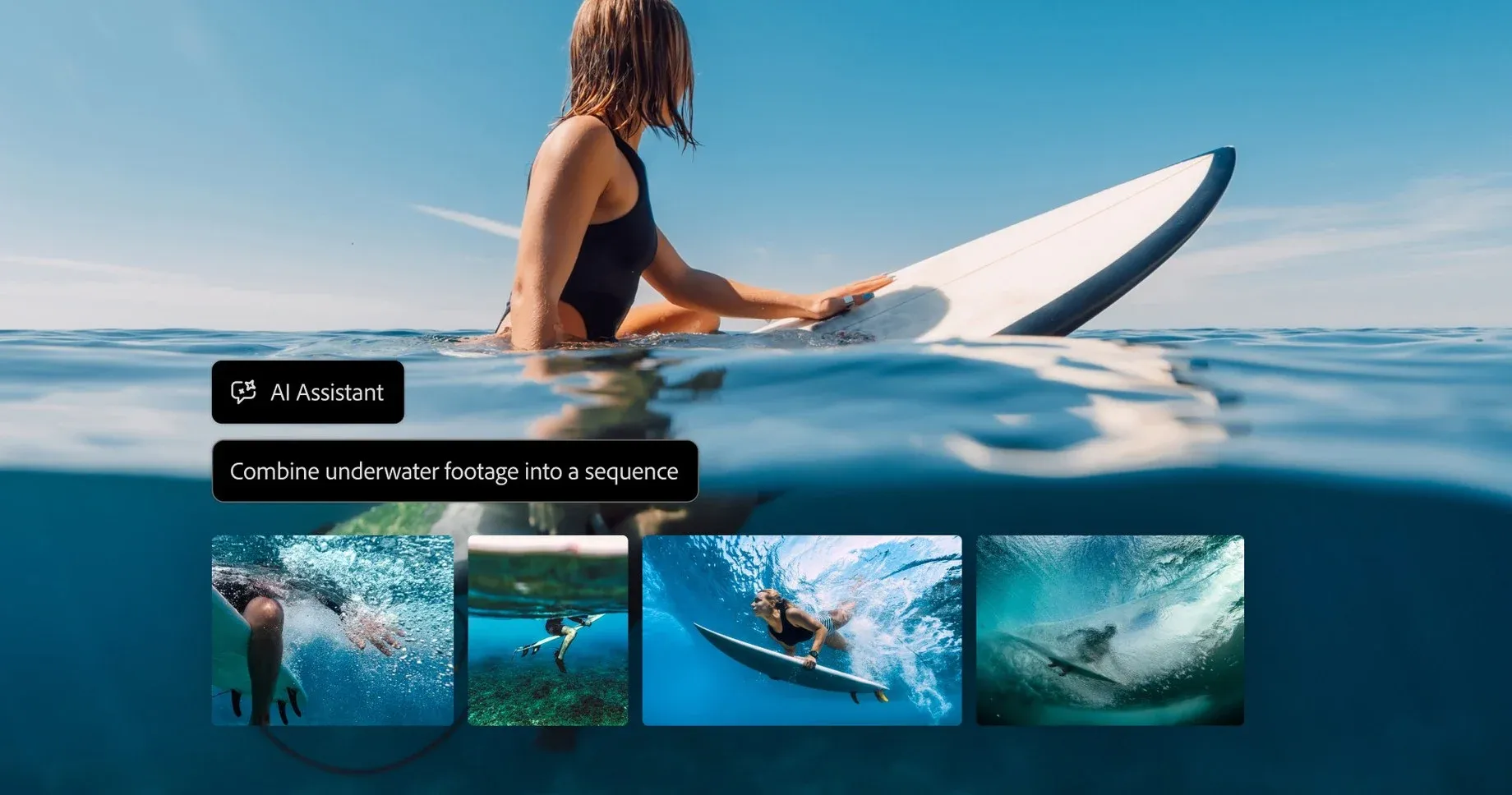
The AI Assistant builds a sequence from one sentence. Photo: Adobe
Our take: saved brand guidelines are the part we find most interesting. If a client team creates their own social posts, an assistant that knows the colors, fonts and rules can keep the output closer to the brand. It still needs a well-built identity to follow. An assistant cannot follow rules that were never written down.
Photoshop: Relight and Restyle
These features are generally available:
- Relight adds and adjusts light in a photo after it was taken.
- Generative Restyle turns a prompt-based edit into sliders, so you can dial the effect up or down instead of generating again.
- Remove tool now also handles related elements, such as a shadow or reflection of the removed object.
- Quick Compare shows the before and after of your edits.
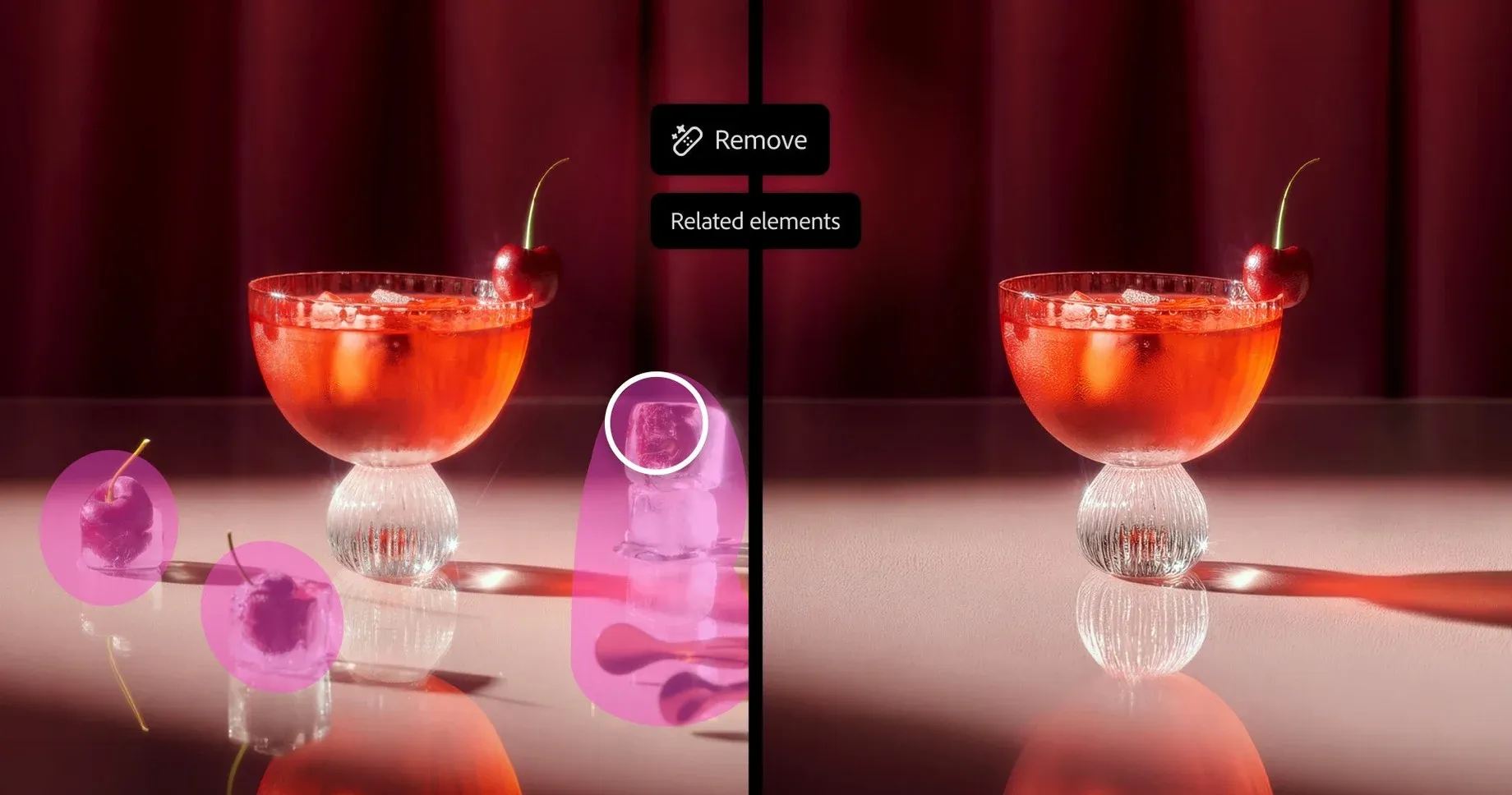
Remove deletes an object along with its shadow or reflection. Photo: Adobe
Relight is the one we will use most. Product photos and portraits from clients rarely match the light of the rest of a brand. Being able to fix that inside Photoshop saves a reshoot or hours of manual work.
Illustrator and InDesign
The Illustrator news is smaller: refreshed content libraries and new on-canvas controls for blends. InDesign gets more for teams. Co-editing (beta) lets several people work on one document at once, Flex Layout resizes text frames dynamically and Check Document catches common issues before print.
For brand guidelines and print work this is welcome. A brand manual is often edited by several people, and fewer export and check rounds mean fewer mistakes in the final files.
Firefly: from generator to studio
Firefly is no longer only an image generator. Adobe now calls it the AI creative studio and the entry point to the other apps.
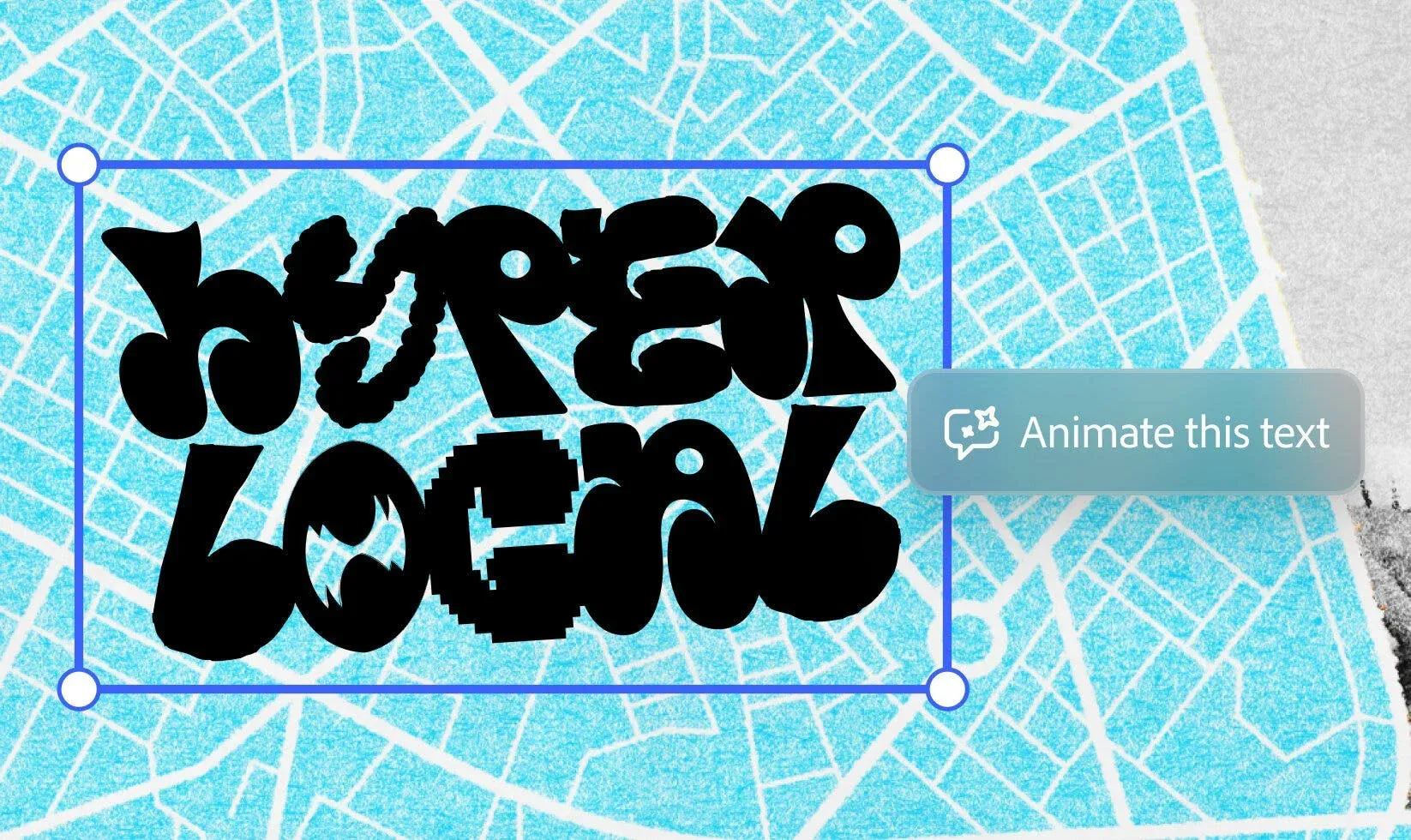
Firefly Design: illustration, type and animation on one canvas. Photo: Adobe
- Firefly Design (beta): one canvas for illustration, image editing, animation, 3D and print, included with Creative Cloud.
- Firefly Graph (beta): repeatable workflows that chain AI models with Adobe tools.
- Firefly Builder (private beta, waitlist): from a text description to an interactive, on-brand prototype of a website, presentation or app, with a design system and editable elements.
- Firefly Video (beta): story structure, a simple timeline, captions, transitions and generated b-roll.
- Edit Text, Retouch and Relight for images are generally available, along with Quick Actions such as Remove Object or Thumbnail Generator.
Firefly also offers more partner models, including models from Google, OpenAI, Kling, ByteDance and ElevenLabs.
Our take: Firefly Builder is clearly aimed at early website and app prototypes, the space where Figma is strong today. A quick prototype is useful for testing an idea. A website that sells still needs clear structure, real content and a brand behind it, and that is where most of the work happens.
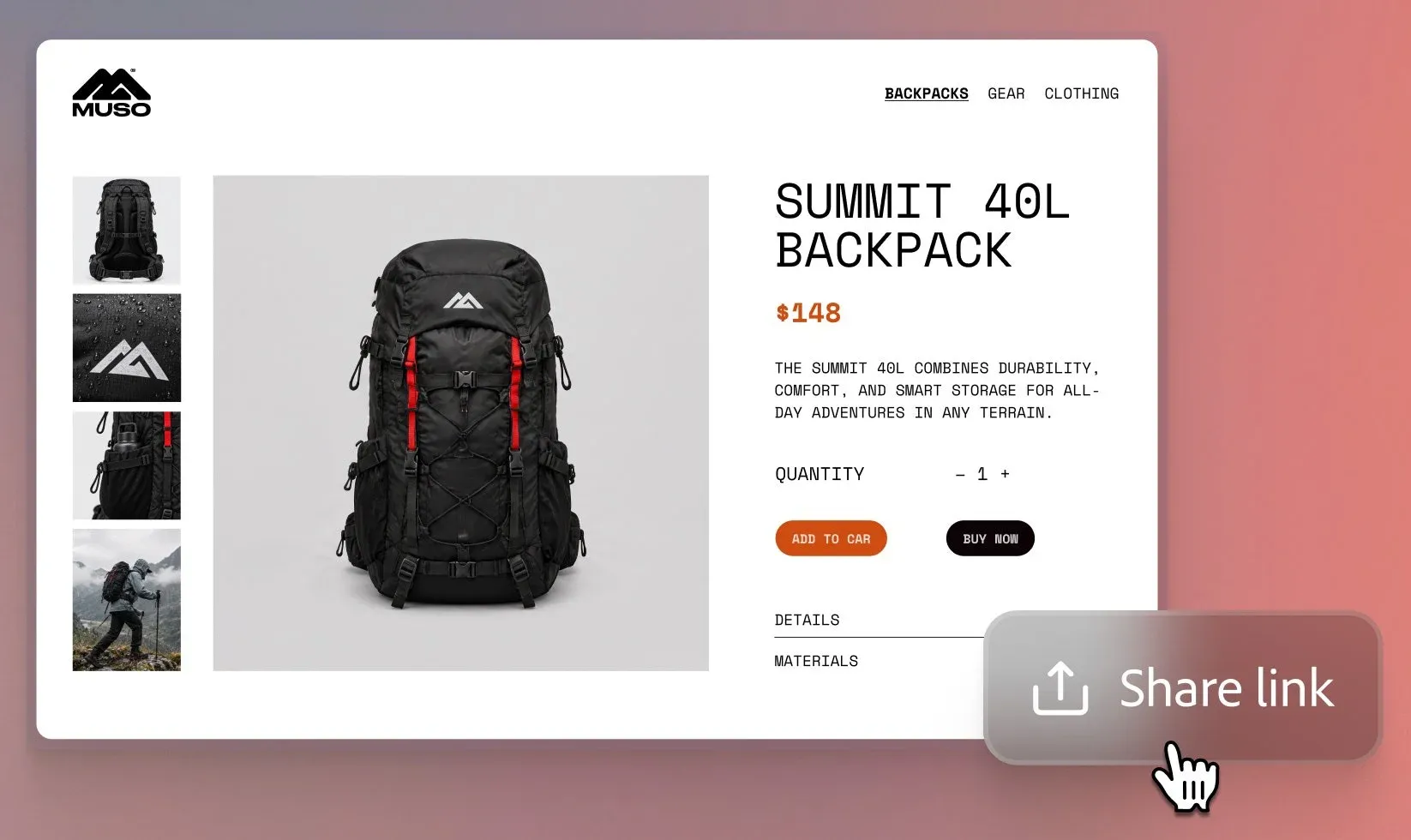
An online shop prototype made in Firefly Builder. Photo: Adobe
Premiere and Lightroom
Premiere gets Color Mode, a new color grading system, a Generative Media tool for video, sound effects and music in the timeline, and AI audio cleanup (Enhance Audio, Separate Crosstalk, Separate Sound Source). Generative Remove for objects in video is in beta.
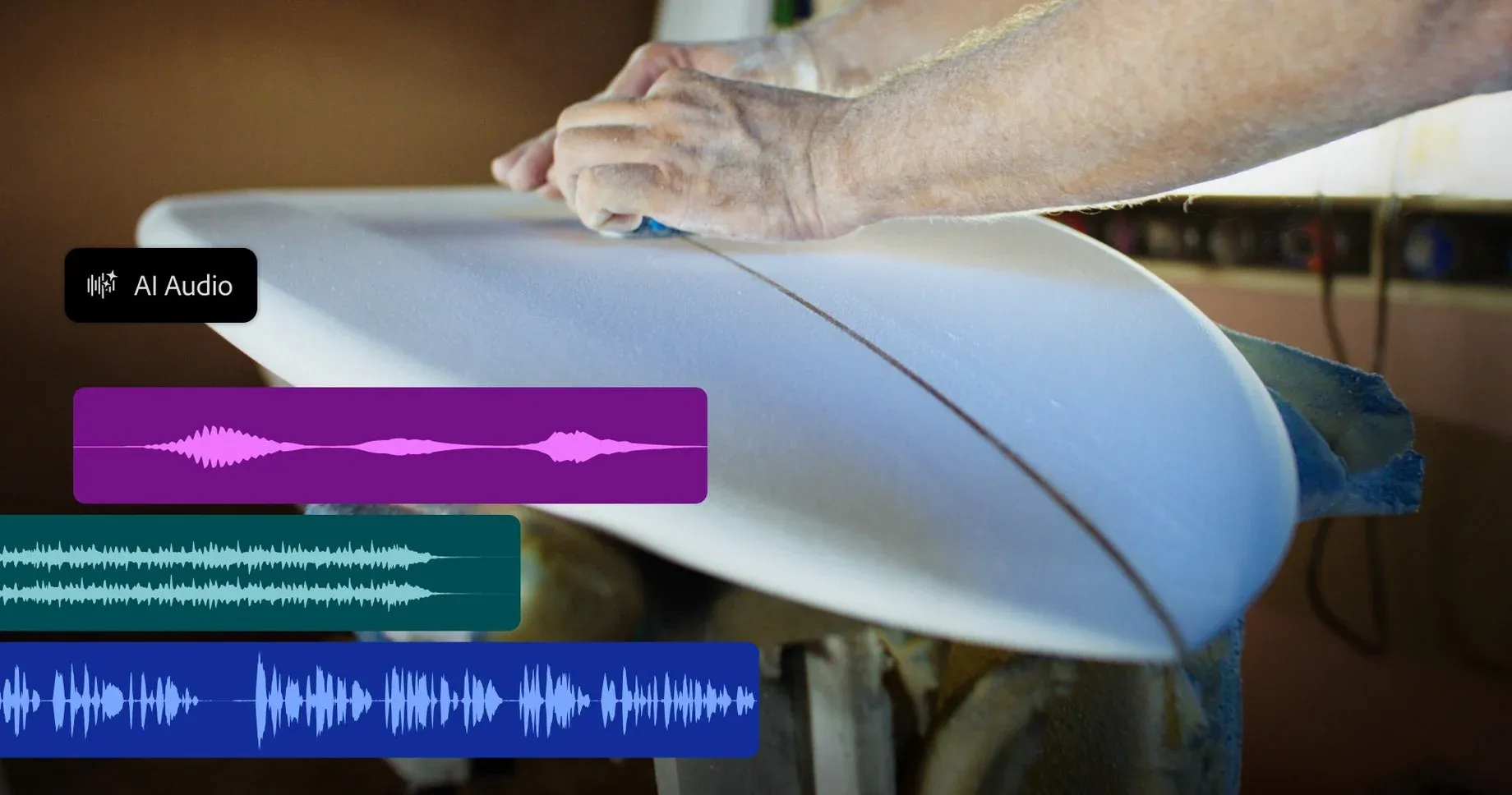
AI audio cleanup and separation in Premiere. Photo: Adobe
Lightroom adds Glow with five styles of soft light, one-tap Blemish Removal, better camera tethering on desktop and iPad, and Open Eyes (beta), which fixes blinks using a reference photo.
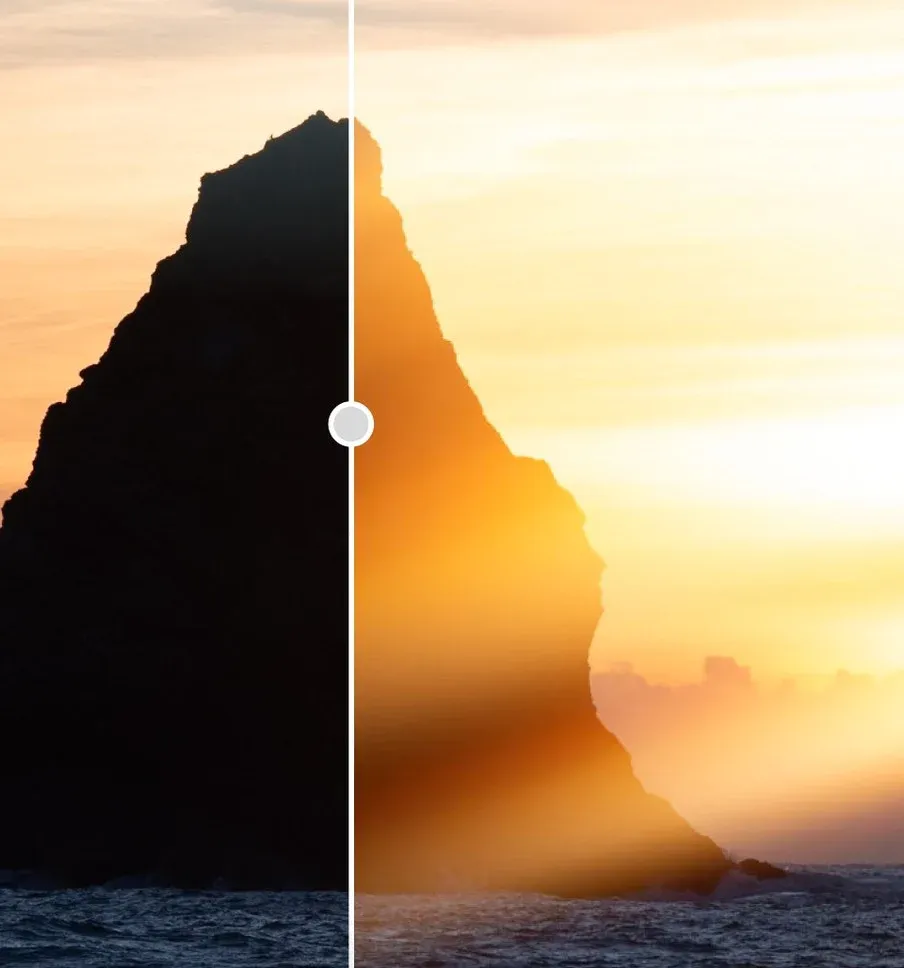
Glow in Lightroom: before and after. Photo: Adobe
MCP: outside agents in your project files
Adobe announced local MCP integrations (Model Context Protocol) for Photoshop, Illustrator, Premiere and After Effects. Third-party AI agents will be able to edit native project files on your computer, while layers, vectors and sequences stay editable. The integrations can also connect to tools like Google Drive and Slack. Adobe also announced partnerships with Anthropic and OpenAI.
This is only a preview for now. Private beta is planned for early 2027.
Our take: we already use AI agents in our own workflow, for example to prepare files or check consistency. If an agent can work directly in a layered PSD or an Illustrator file without flattening it, the repetitive part of production, like exporting dozens of formats for a campaign, gets much faster. The design decisions stay with people.
What it means if you are planning a brand or website
- Production gets faster, the thinking does not. Resizing, retouching and exports will take less time. Strategy, concept and the decision of what your brand should feel like will not.
- A written identity pays off even more. Agents and assistants follow rules. The clearer your brand manual, the better the output of any tool, AI included.
- Beta is not a promise. Many features above are in beta or preview. We test them on our own projects before using them on client work.
We get the most out of these tools in social media and campaign design, where one key visual turns into dozens of formats. If you want to know how they could speed up your next project, or whether your brand is ready for AI-assisted production, book a free 15-minute call.
Cover: our glass version of the Adobe MAX key visual (Adobe). Source: Adobe newsroom, November 10, 2026 and Adobe Firefly announcement.